
February 2008:
Wow again a long time since my last post! I'm now working at Xendex. Or more precise I worked there since August 2006 and am currently staying at home with the kids. More detailed updates on what I'm doing now can be found here: http://karenzpapa.blogspot.com
June 2006:
After the initial shock in May I am very motivated and ready to move on. Currently I am evaluating my options to find out what exactly I want to do with my future.
May 2006:
I haven't posted in a loooong time. But today I thought it's worth it. What happened the last couple of years?
- We moved to England where I worked for Rare games. It was a brilliant experience. The people were very nice and the job was fun.
- We moved back to Austria August 2005 to be closer to our family again. I rejoined Rockstar Vienna, we bought a house, we got another child Matthias who is absolutely gorgeous. I got ready to be settled with my life
- Take Two decided to shut down Rockstar Vienna out of the blue. One day it's a good and stable job. The next day I get greeted by bouncers in suits when I go to work. more
- So here I am: over 6 years game programming experience and the only major game development studio in Vienna wiped out. I still want to make games but life seems to think otherwise.
April 2003:
- Tool 0.7.4
- Tool 0.7.3
- Tool 0.7.2
February 2003:
- Moved the site to sdf-eu.org which is a great free Unix shell provider.
January 2003:
- Added more functionality to Tool. Fixed some bugs. Still no time to continue with the engine, since the baby needs all attention it can get :)
December 2002:
- Renamed OnTop to Tool and added removal of a window's system menu, minimizing every window to the system tray.
November 2002:
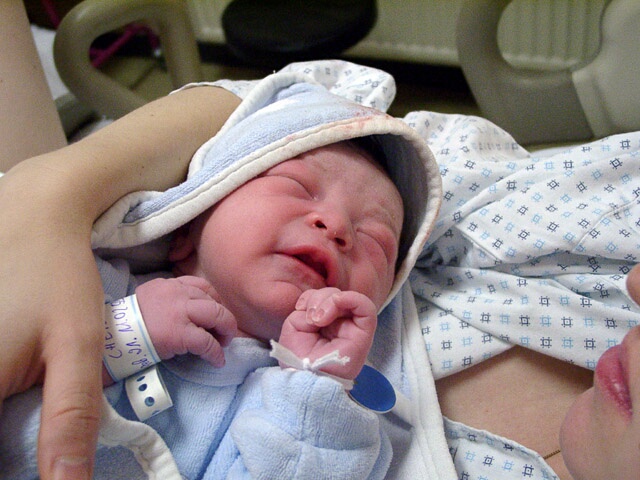
- I'll pause development for a while since our baby was born which is one of the best things that have happened in my life. And I want to spend as much time with him as possible now.
- Added volume change and mute to the OnTop tool. Very useful when you don't have headphones with a volume control.
- My material & render state handling system is still a bit awkward to use. It's definitely a tricky problem to get this right.
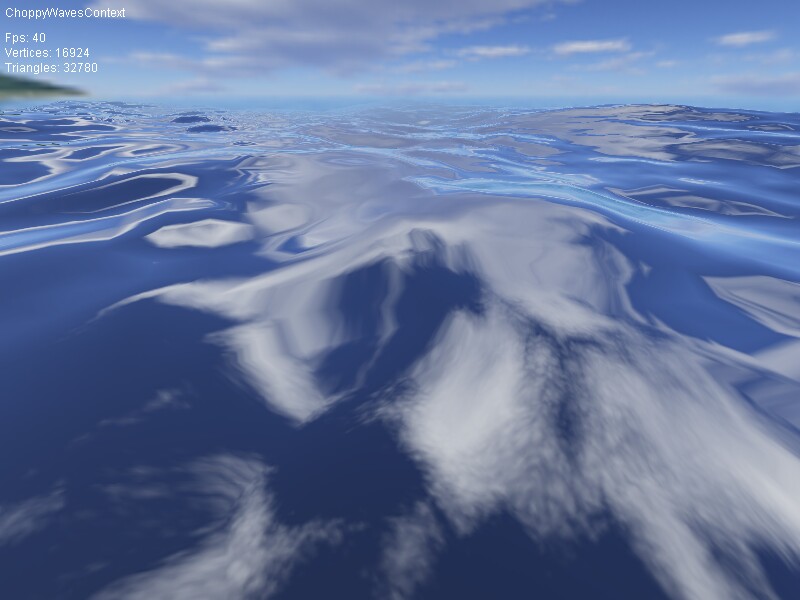
- Added fog that blends the water into the skybox color.
- Having an abstract renderer base class turned out to be pretty useless, since I don't plan to switch renderers at runtime. Maybe I'll refactor that when I have time (which means never :)).
- Added skybox and cube map to make the water look nicer.
October 2002:
- Written another tool I find useful when I'm debugging. It lets you switch any window to "always on top" with CRTL+SHIFT+T.
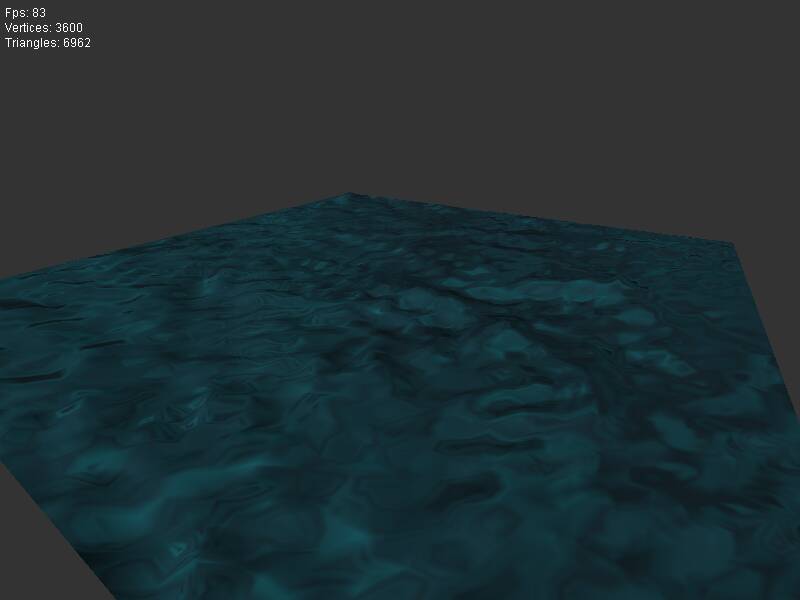
- Since some people asked, I've made the FFT water tileable. It actually was already, but I didn't wrap the mesh at the borders yet. The screenshots were updated, now the water looks nicer because you can see more detail.
- Downloaded MikTex and created .pdf files of my MA and PhD thesis. You can read them if you want :) (they're in German).
- Currently I'm quite busy, so update intervals will become longer.
- Slimmed down the webpage a bit.
- Made Water2D and Newave contexts frame rate independent (fixed timestep with catching up depending on rendering speed).
- Made another small tool that I need at work. It calculates the time total you've worked on a task given a series of start/end times and delta durations. Might be useful for other people that have a similar project management system as we do.
- Did a small command line tool that lets you turn off your computer after a given time. That's handy if you've got some application running that'll finish in some time but don't want to wait for it and then turn off the PC. You can find it in the download section.
- Added sphere tesselation function.
- Added some more device caps checks, so that it's less likely the TestBed will crash on different systems. Can't test it though since I don't have a bunch of graphics cards.
- Did a quick test of converting textures from RGB to HSL, setting L to 128 and then converting back RGB. Then I used this texture instead of the original diffuse texture as color map for the bump mapping. I thought this might improve the look, because setting L to a constant value should get rid of an image's contrast. Well actually the result looked really ugly since everything became more or less grey. So I've removed it from the TestBed. Just left the RGB to HSL and vice versa part in the image code.
September 2002:
- Changed my material again. Now you can derive from the material class and implement any custom rendering code in the derived class (it's a bit like the Dx8 Effects & Techniques stuff but in C++, since I don't have the time to write an effect file parser). Later I'll move the state blocks into the materials too. Then I'll have everything needed to setup the renderer in one place.
- Found out why plainly interpreting the alpha channel for .md3 models looks weird. The info how textures are applied is written into the scripts/models.shader file which I'm not interpreting. Well, maybe I'll do that when I have time left ...
- Added specular bump pass. Since it seems to be impossible to get higher specular exponents than 4 (using 2 TUs) with Direct3D without using PixelShaders (alas I haven't got a PixelShader card) the specularity is too bright. You can approximate x^16 with 4*(x^2-0.75) but it seems that though you can calculate this with nVidia register combiners, you can't do the same with the Direct3D fixed function pipeline.
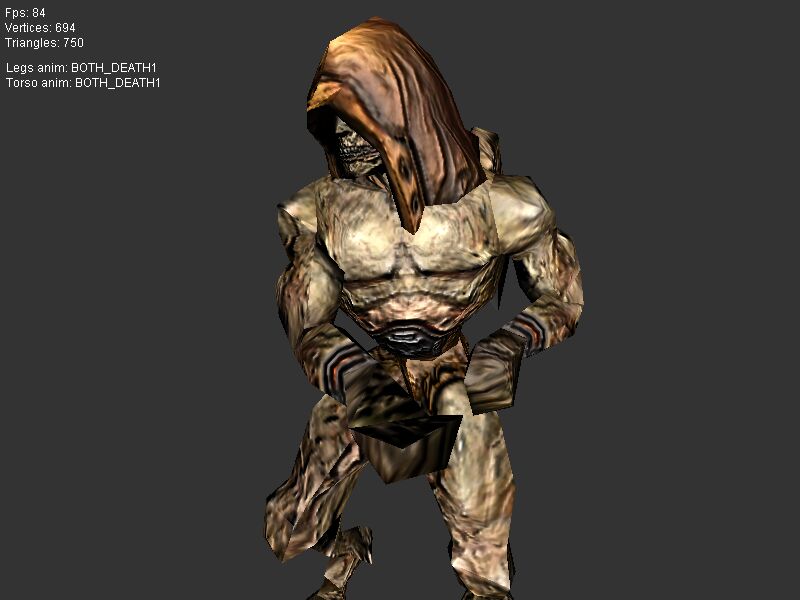
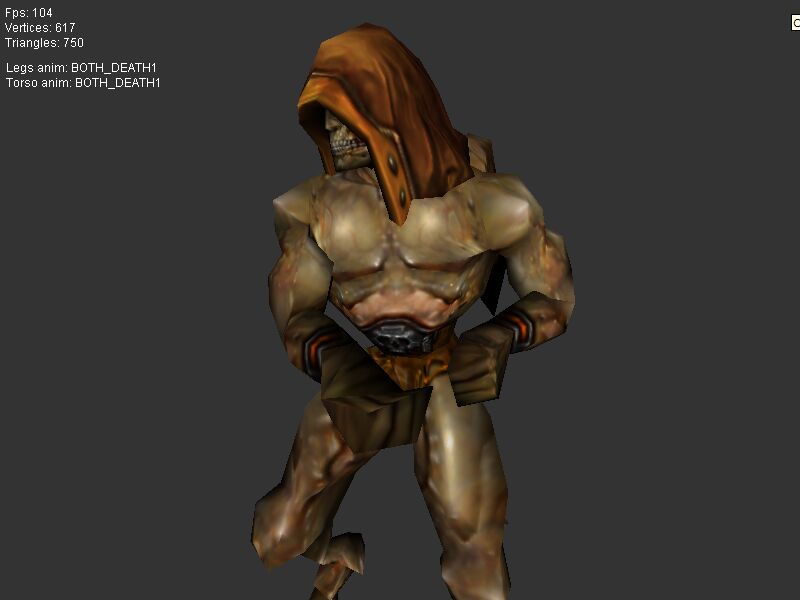
- Got the bump mapped .md3 models up and running (without vs with). Currently there's only diffuse bump mapping with correct self shadowing term. Next I'll add the specular term.
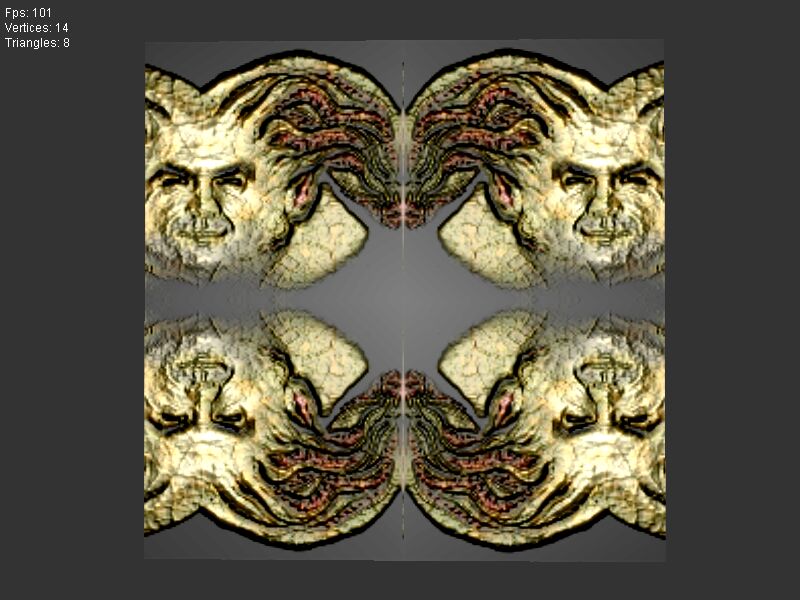
- Currently I'm working on bump mapping arbitrary models. What I do is convert the texture of a model into greyscale and then calculate a normal map from it. Then I calculate tangent spaces for the model's vertices (doubling vertices where the texture is mirrored which leads to flipping of the tangent space z-axis). Here's an image of the Quake3 Bitterman texture versus the normal mapped version mapped on a quad with twice mirrored texture. (The completely bump mapped model looks still a bit buggy due to some bug in the tangent space generation code for morphed meshes).
- I should rework my vertex buffer handling. The current way is having one vertex buffer per mesh that caches the geometry in a ready to render format. What I should be doing is have a number of vertex buffers and cache meshes into these buffers on a LRU bases. Thus I get less buffer switches and can't have more meshes than available buffer memory on the video card. (The different buffers should be seperated dependent on vetex formats and dynamic/static geometry). Hope I'll find time to do this.
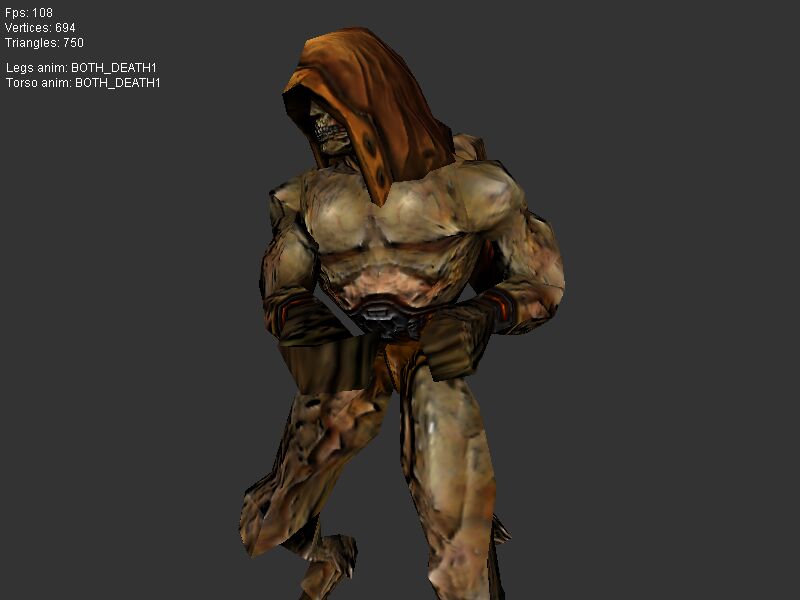
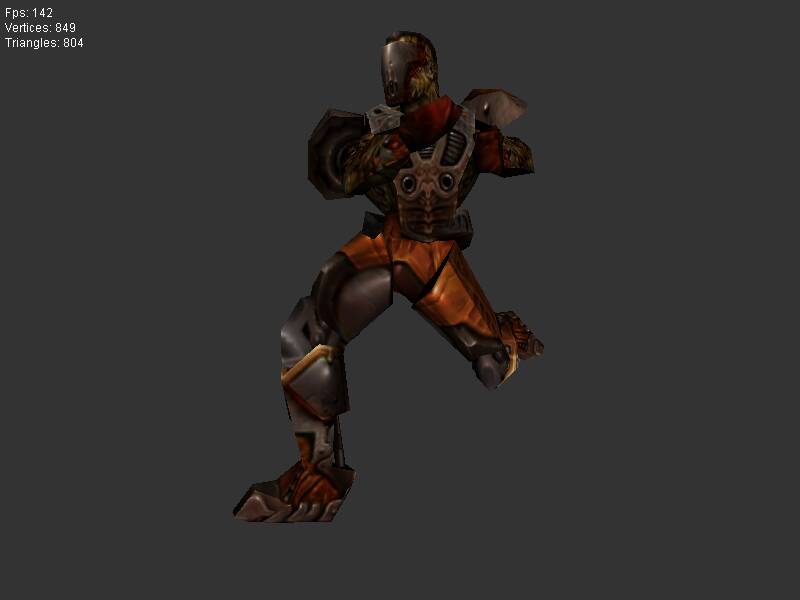
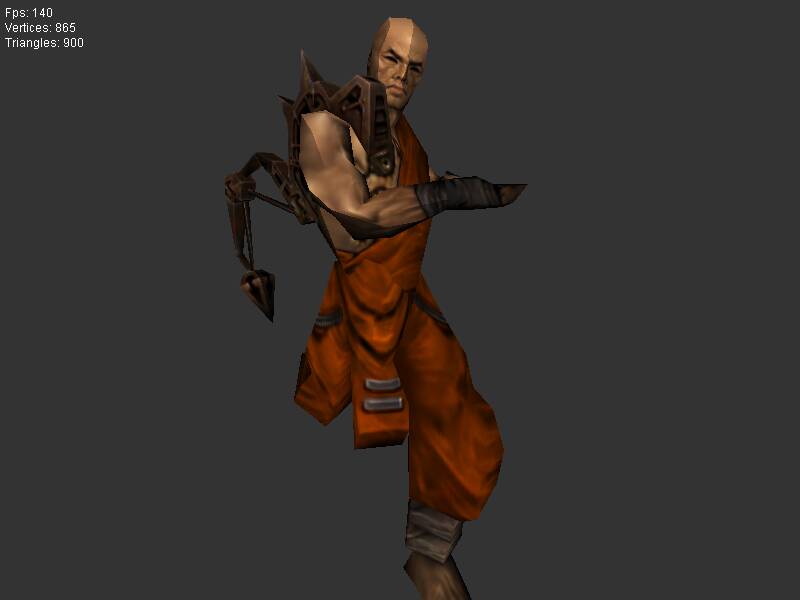
- The .md3 importer is working (Visor, Xaero). The models are correctly animated and the data is read directly out of the .pk3 files (actually the first time that my zipstream library came in very handy). So the morph animation is working ok.
August 2002:
- I've added vertex morphing to the engine. For testing this I've started working on an .md3 model importer.
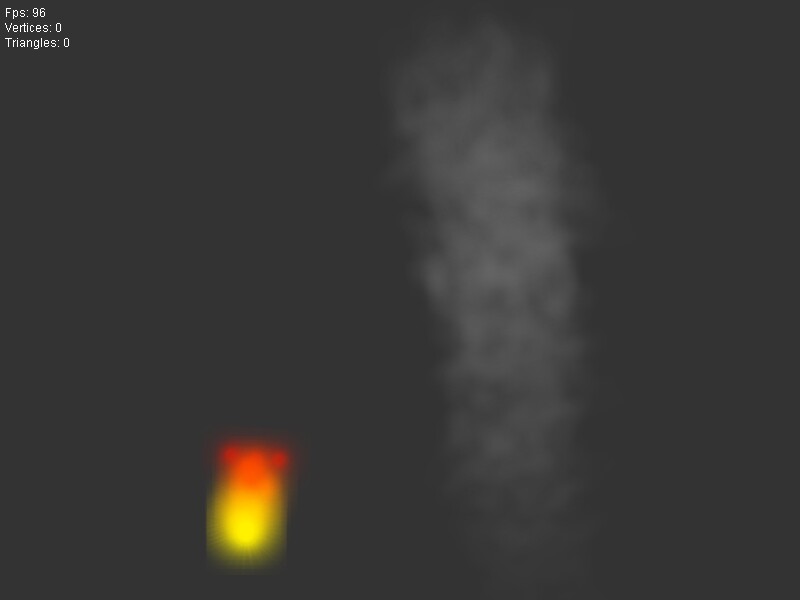
- Added particle system to shadow volume test so that the light source is visualized.
- Added angular rotation to the particle system for smoke
- Implemented a simple particle system (nothing fancy) because I'll use it to visualize light sources for my stencil shadows.
- Finished my refactoring. Now the whole scene graph stuff is taken out of the engine. Hierarchies are still used for animations of course, but they don't store material information anymore.
- It's raining A LOT in Austria. We have big flood disasters all over the country. (They say that are the biggest floods since about a hundred years).
July 2002:
- Added precompiled headers. Even following the rules from Lakos' book "Large Scale C++ Design" compile times were still getting slower. So I just had to do it although some people don't recommend it, but mostly I've just put external headers into the precompiled headers (i.e. C++ standard library and Windows/DirectX stuff).
- Refactored the light, material and render state code. Render states are no longer part of the scene tree but saved in state blocks (like in DirectX state blocks). You can create delta state blocks for state switches in the renderer. Visual unit tests really help when doing refactoring. See more in the tips section.
- Done more refactoring of the engine. Step by step I'm getting rid of the scene graph stuff. Currently my new design is coexisting with the old one.
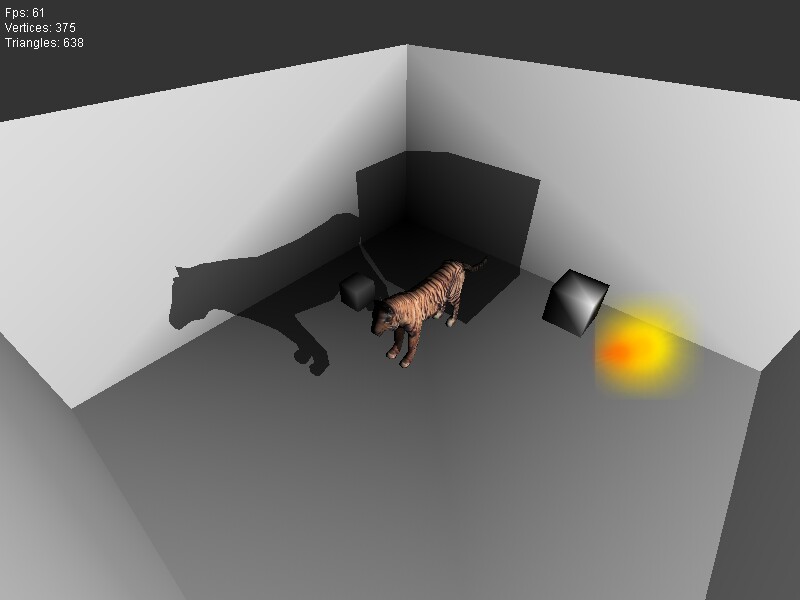
- Implemented stencil shadows according to the paper "Practical and Robust Stenciled Shadow Volumes for Hardware-Accelerated Rendering" by Everitt and Kilgard. Here's a screenshot. I have to add per pixel attenuation since vertex lighting looks really bad on big polygons.
June 2002:
- It's superhot in Vienna which makes it impossible to work on my engine :)
- I'm checking the device caps now for Hardware T&L support and choose the device accordingly. This should fix the crashes on non GeForce cards. Since I don't have any older card I can't verify if it works.
- Updated the engine sources in the download section.
- The way materials are handled currently is bad. Basically they are treated as nodes in the scene tree (I got this "idea" from the book "3D Game Engine Design). Well that's not an optimal way to do it. After some thinking I decided to implement a simple shader script system and will use this for my materials since it is easier to use and more flexible. So that's the next big thing I'll implement.
- The water algorithms are integrated in my TestBed now. So I've removed the water demo from the site. Just download the TestBed if you want to have a look at the water stuff.
- Added spherical environment mapping to enable reflective materials. I didn't add cube maps because sphere maps suffice for my simple purposes. Note: The sphere map example provided with the DirectX8 SDK doesn't yield good results (they use vertex normal based texture coordinates and not reflection vector based). For a better algorithm search for "Using Dual Paraboloid Maps" in google (original paper "View Independent Environment Maps" by Heidrich and Seidel) the algorithm is explained in OpenGL syntax but translating to Direct3D is no problem.
- Finally I've finished working on my TestBed that integrates all my previous hacked test applications in a consistent way. It serves well for plugging in future test applications and for "visual" unit testing (i.e. after refactoring I have an easy way to check that all features are still working by simply stepping throuh the TestBed application).
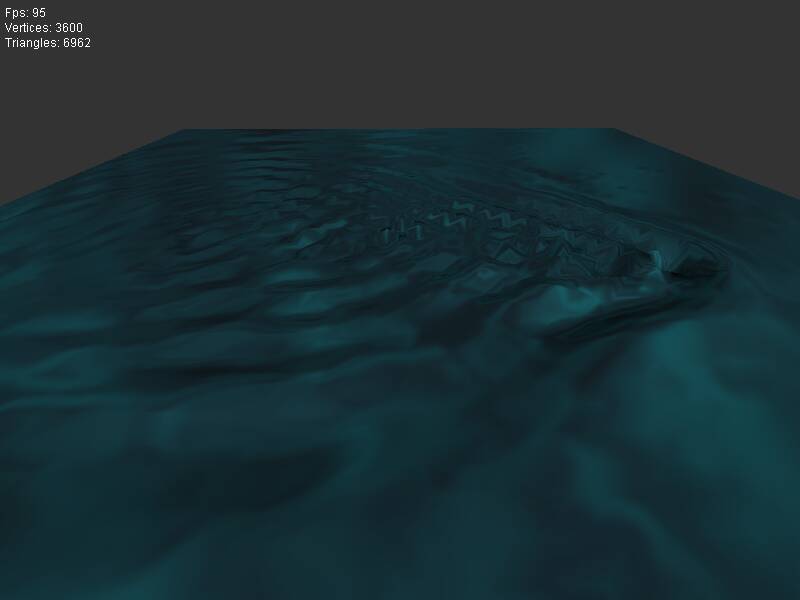
- The water simulations are now interactive. In the statistical water you can smoothly transition from a calm to a stormy sea. In the 2D water algorithms you can drag the mouse interactively in the water (see e.g. Newave).
- I'm not really happy with lots of stuff I've designed so I've even thought about rewriting the whole thing from scratch. But since it's a private project only I won't go that way since I honestly don't have that much time. So I guess I'll live with it and refactor those parts that annoy me too much.
May 2002:
- Did a lot of refactoring. Completely rewritten math library, added quaternions.
- Added memory leak detection functionality using the Win32 debug heap. This is really useful in tracking leaks. If a program has a memory leak then on exit you get a list of the leaks with file name and line number of the allocation. So you can step directly through the leaks with F4 in Visual Studio.
- Improved unit test framework.
- Improved my application framework and cleaned up my test application.
- Refactored almost the whole input library.
April 2002:
- Minor update to the zipstream library: izipstream now has a member getSize() that returns the uncompressed size of the file.
- Did some cosmetical changes on the engine source, nothing worth mentioning.
February 2002:
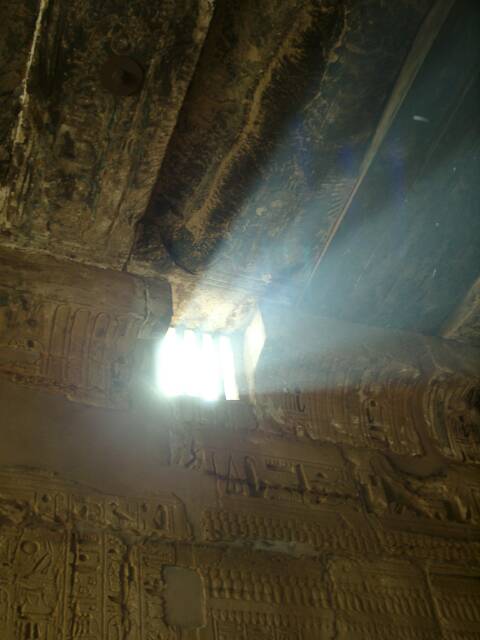
- We've been on vacation in Egypt for a week. Now here's a picture of nice volumetric light from an old Tomb Raider temple :).
- Put together a small demo of the water algorithms. Rendering is kept simple, just a water texture with an environment map. This is only a hack to have some demo to show to others. It runs on hardware T&L cards (GeForce++) cards only. Here is a screenshot on flipcode.
- Improved the FFT water algorithms. (From 35 FPS to 85 FPS on my system).
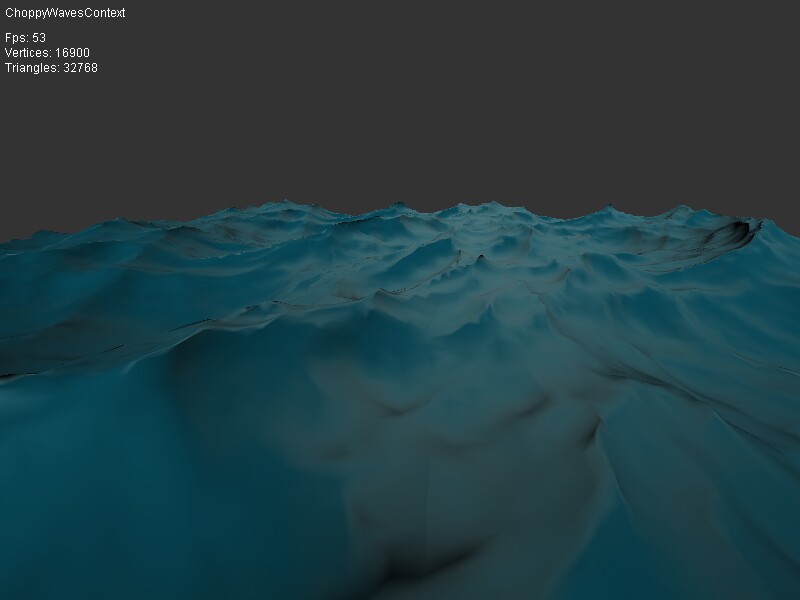
- Added choppy waves displacement to the FFT water. Now this looks really good and also is really slow (doing 3 two dimensional FFTs per frame is quite costly).
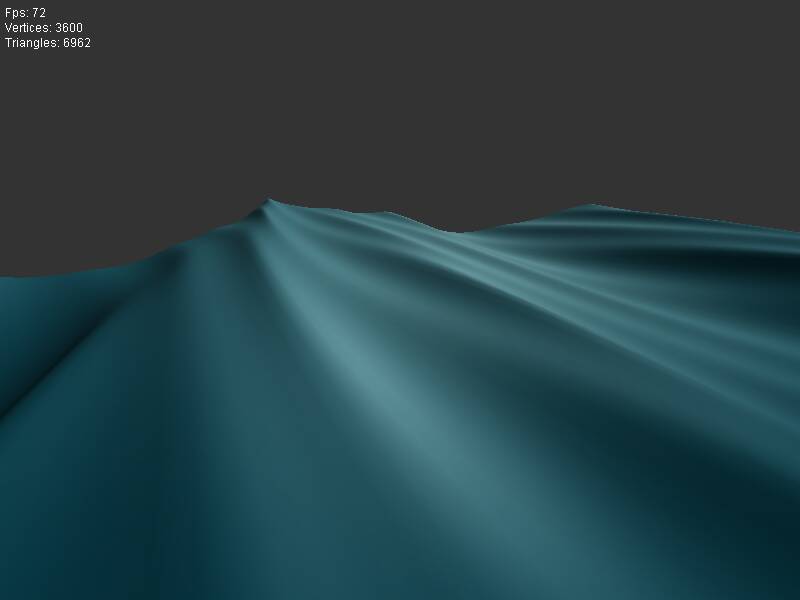
- Implemented Gerstner waves. (This one was a piece of cake compared to the FFT water). Alas, this algorithm yields a very periodic water pattern, so it looks rather unnatural.
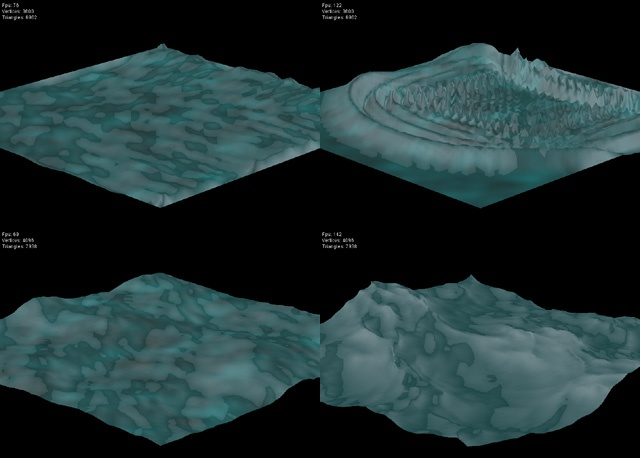
- Hooray, I've got the FFT water algorithm described in Tessendorf's paper up and running. Well, the screenshot doesn't look like much, but it definitely looks better in motion (and well, I should make it blue and but an environment map or gloss map on it ...).
- Fixed a bug in the ozipbuf class (it was derived from std::streambuf instead of std::basic_streambuf<Char, Traits>).
- Implemented a trace ostream for debugging. Currently output goes to OutputDebugString().
January 2002:
- Implemented the statistical water method described by Tessendorf. Well, it's not perfect yet, since the water looks a bit awkward.
- Implemented fast fourier transform in one and two dimensions (didn't bother to go higher than two, since I don't need that).
- Did some research into water simulation. I've so far implemented two algorithms. First the one described by Gomez in "Game Programming Gems" (which has been long known in the demo scene). Second the algorithm from the SGI Newave demo.
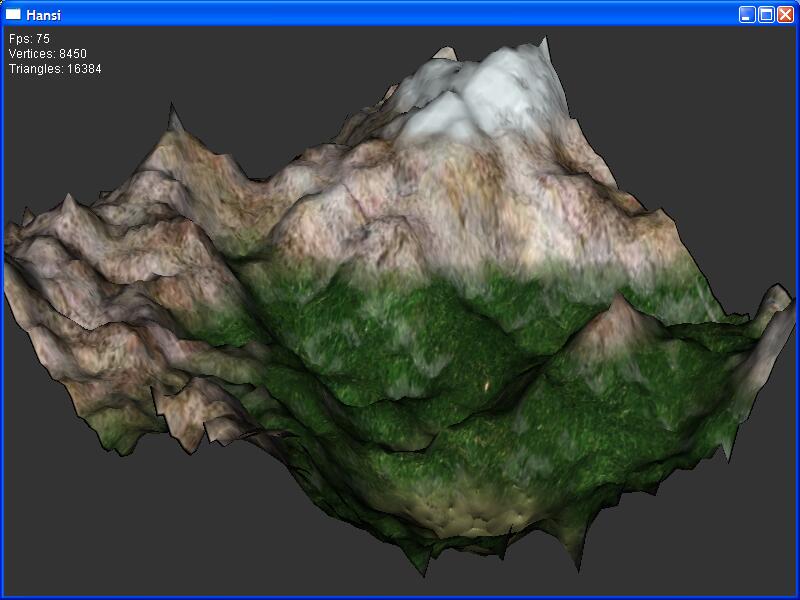
- Added terrain texture generation.
- Added particle deposition.
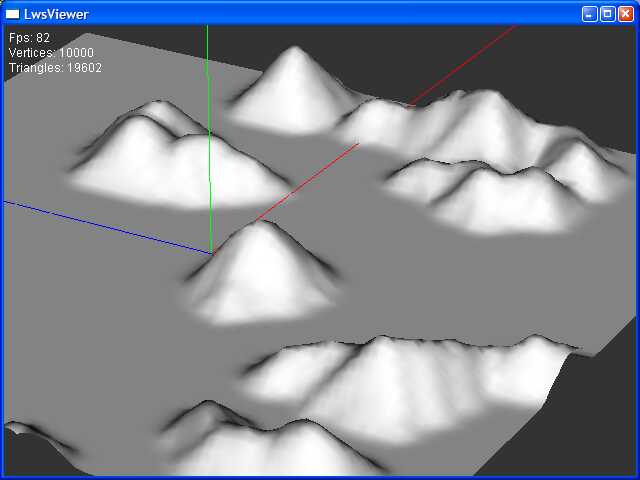
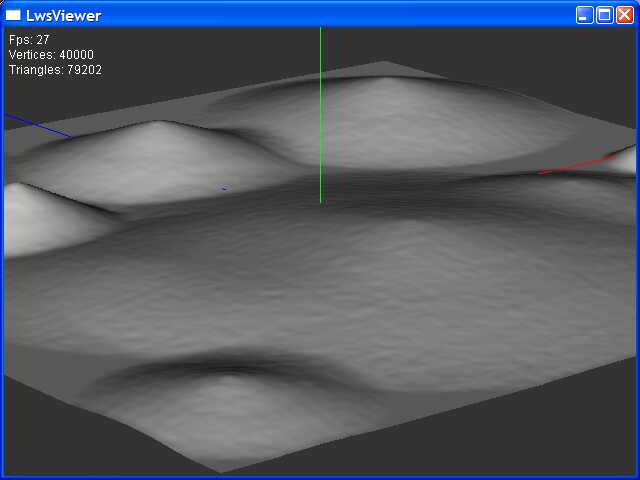
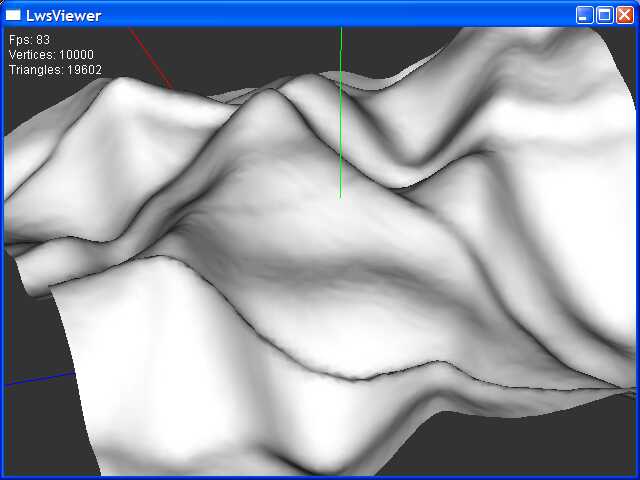
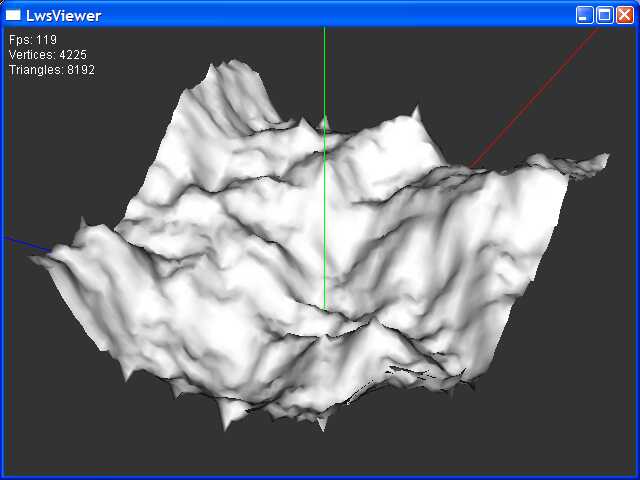
- Did research into terrain generation. The engine can curently generate terrain from a greyscale height map, using fault formation and midpoint displacement. I'll add particle deposition and the will then look into texture generation.
- Did some research into collision detection using OBB/AABB trees (I'll implement that when I've time).
- Hooray Europe's got it's own currency!
ABOUT
DOWNLOAD
DIARY
FEATURES
TIPS
SCREENSHOTS
